
Service request
Halden Heating & Air
- Issue
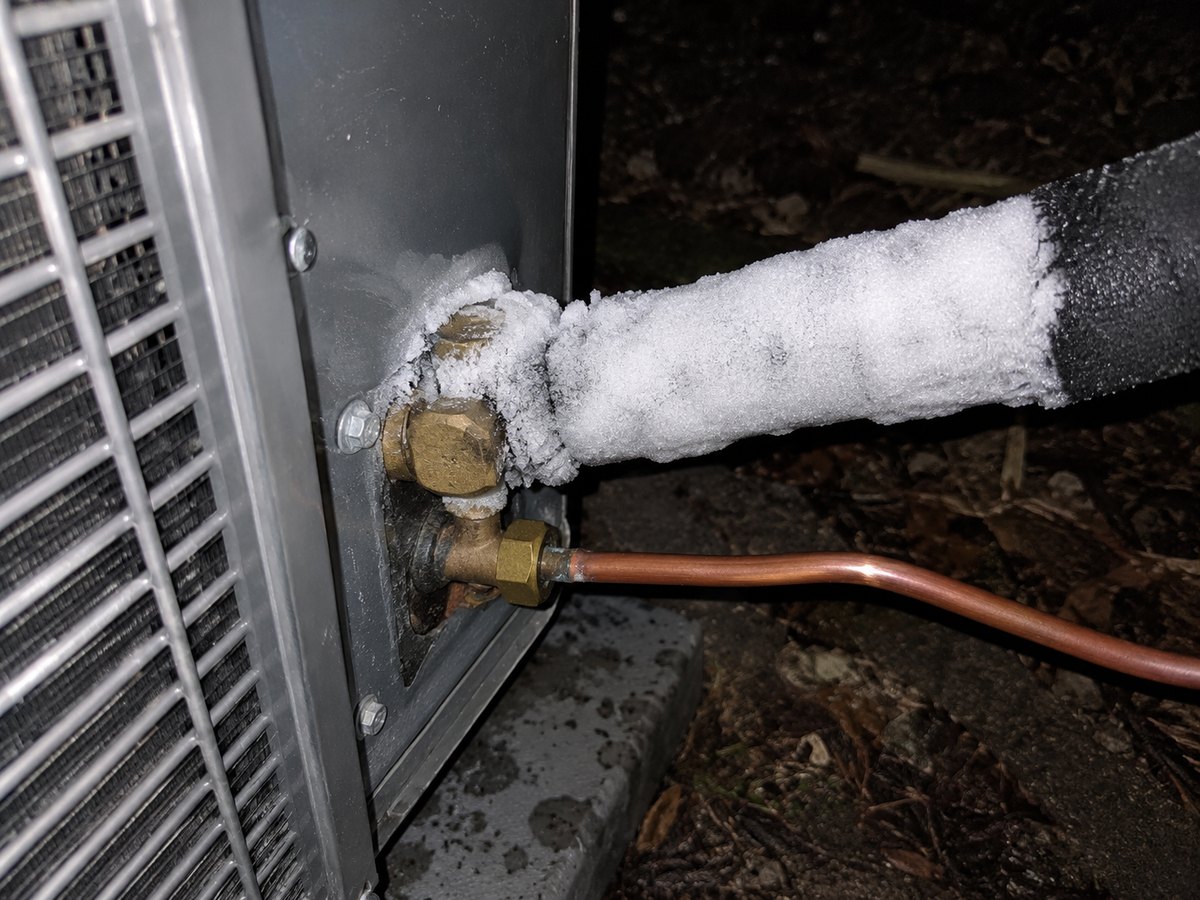
- Photo
- Address
- Preferred visit
- Status
- Collecting details
Your AI text receptionist
Turn missed calls into conversations, collect the details,
and help customers take the next step. All by text.
Halden Heating & Air
AI text receptionist
Our AC stopped cooling. Can someone come tomorrow?
I can help with that. What’s the service address?
New service request
AC repair
Preferred visit: Tomorrow
Collecting details
01 / 03First reply
What your team receives
Read the conversation, see the photos, and pick up right where Hourly left off.
Sarah Mitchell
Halden Heating & Air
Your team is replying
Alex: Hi Sarah, we can come tomorrow between 10 and 12. Does that work?
Alex · Just now
What Hourly handles
When a call goes unanswered, Hourly follows up by text, introduces itself, and starts helping the customer.
Photos, symptoms, service area, and job details — collected before anyone heads out.
Offer available time windows, collect a customer’s preference, and keep scheduling moving.
Collect reschedule requests, pass every detail to your team, and bring a person in when needed.
For businesses
We set up what it asks, which times it offers and what counts as urgent for the way your business works.
Also a fit for roofing, cleaning, pest control, landscaping and construction.
You stay in control
Choose which windows Hourly can offer, where you work, what it asks, and exactly when a person takes over.
Mon – Sat
ZIP codes
Getting started
Services, service area and hours.
Time windows, questions and escalations.
Missed calls get a text back. Your team gets the request.
Go-live timing depends on business texting registration and any scheduling integrations. We’ll walk through it on the demo.
Pricing
One monthly plan, set up for your services, service area and call volume. No app for your customers, no long setup.
Every plan includes
FAQ
Don’t see yours? Bring it to the demo and we’ll walk through your setup.
No. The demo above is an HVAC call, but Hourly works for any business that books visits or appointments: plumbing, electrical, property management, real estate, roofing, cleaning, pest control, landscaping, construction and more. We set up the questions, time windows and escalation rules for your trade.
No. Standard text messaging (SMS/MMS) works with the messaging app already on their phone. Richer experiences depend on the channel and device.
Yes. Hourly offers the windows you approve, the customer replies with the one that works, and your team then confirms the time.
Not yet. Today it collects the customer’s preferred window from the windows you approve, and your team confirms it. Direct calendar booking is on the roadmap; we’ll walk through your scheduling setup on the demo.
It texts back callers whose calls forward to it when your line isn’t answered. If a caller hangs up before the call forwards, or calls from a blocked number or a landline, there’s no way to text them, so your team gets a missed-call alert instead.
Yes, through MMS where the channel supports it. Photos give your technician context before the visit; they don’t replace a technician’s diagnosis.
Escalation rules route urgent situations to a person or to your emergency process. AI shouldn’t be relied on for safety-critical advice or a guaranteed immediate response.
Yes. You decide when Hourly hands off, and your team can step into any conversation. Exactly how your team is notified depends on the setup.
No. It’s meant for any call your team can’t answer, day or night, alongside your existing phone and front-desk workflow.
Book a demo and we’ll set up a conversation with your own services, service area and rules.
Book a demo (opens in a new tab)